Web applications

Small, focused tools for the work your website can't handle. If your team repeats the same steps every day in spreadsheets, emails, or paper forms, there's usually a simpler way to do it.

Try the samples below. Each one runs entirely in your browser. Nothing you type or upload leaves your device.

The Selections app
Runs in your browserSaves on this device

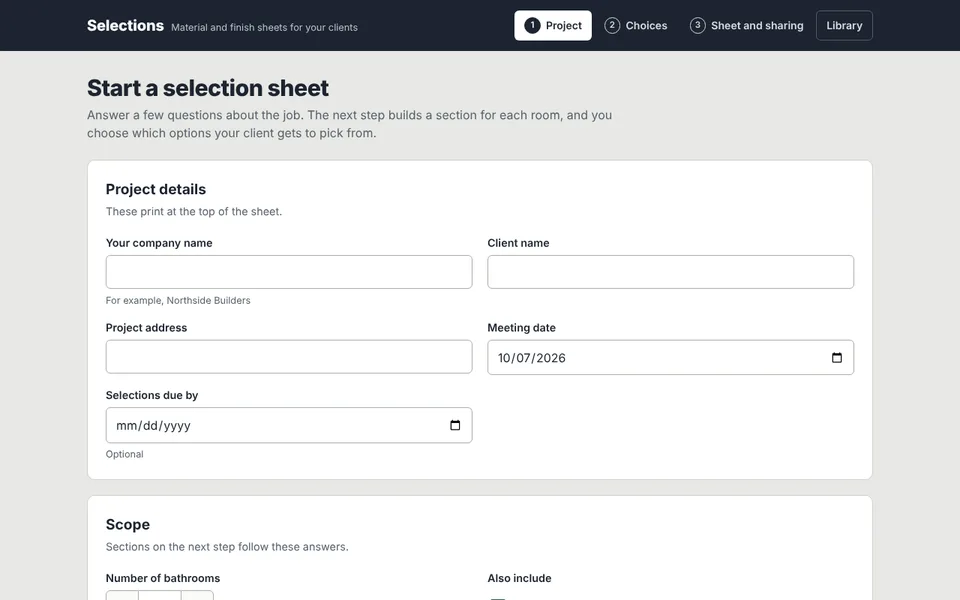
Selections

Material and finish choices, ready for the client meeting.

Answer a few questions about the job and each room gets its own section. Choose which flooring, vanities, tubs, cabinets, and colors your client picks from, then print the sheet or send a link so they can choose online. Based on a real contractor's request.

  • A section for every bathroom
  • Photos or color swatches
  • Print or save as PDF
  • A link for choosing online
Open Selections
The Event Quantity Planner app
Runs in your browserSaves on this device

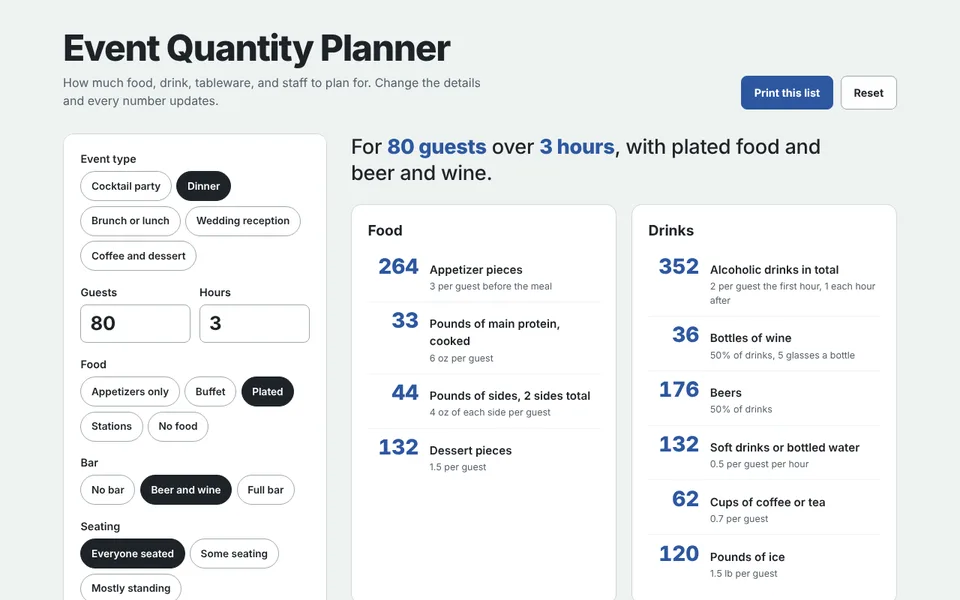
Event Quantity Planner

How much to order, rent, and staff for any event.

Enter the guest count, hours, food, and bar, and every quantity updates: food, drinks, ice, tableware, tables, and staff. The rules of thumb are editable, so it fits any caterer's numbers.

  • Five event types to start from
  • Food, drinks, and ice
  • Tables, chairs, and staff
  • Print the full list
Open the planner
The Dispatch app
Runs in your browserSaves on this device

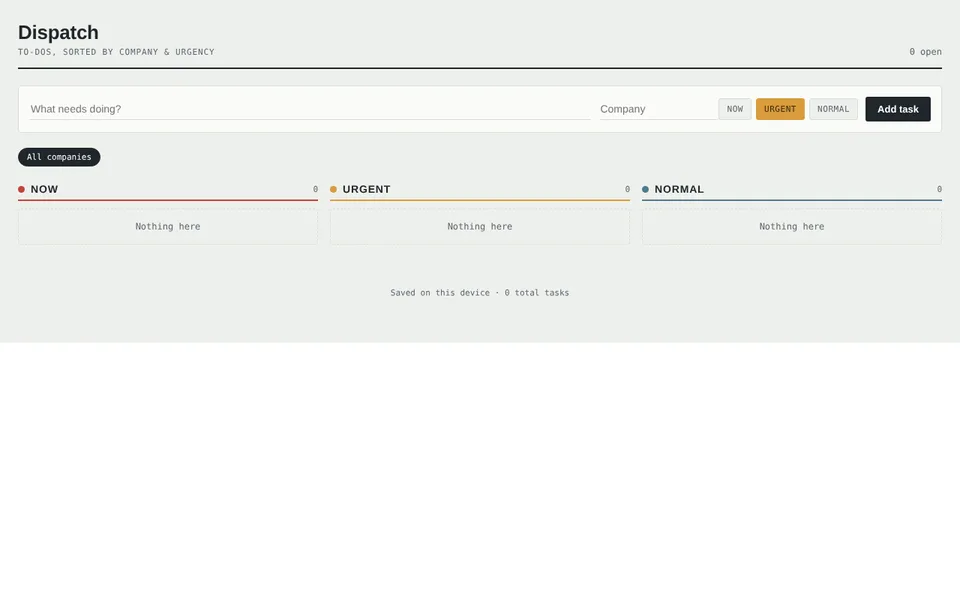
Dispatch

A task board for anyone juggling several clients.

Add a to-do, tag it with a company, and drop it into Now, Urgent, or Normal. Filter by company when you need to focus on one client. Tasks save in your browser, so the board is there when you come back.

  • Three urgency columns
  • Filter by company
  • Company names fill in as you type
  • Saves on this device
Open Dispatch
The Annotate app
Runs in your browserNothing is uploaded

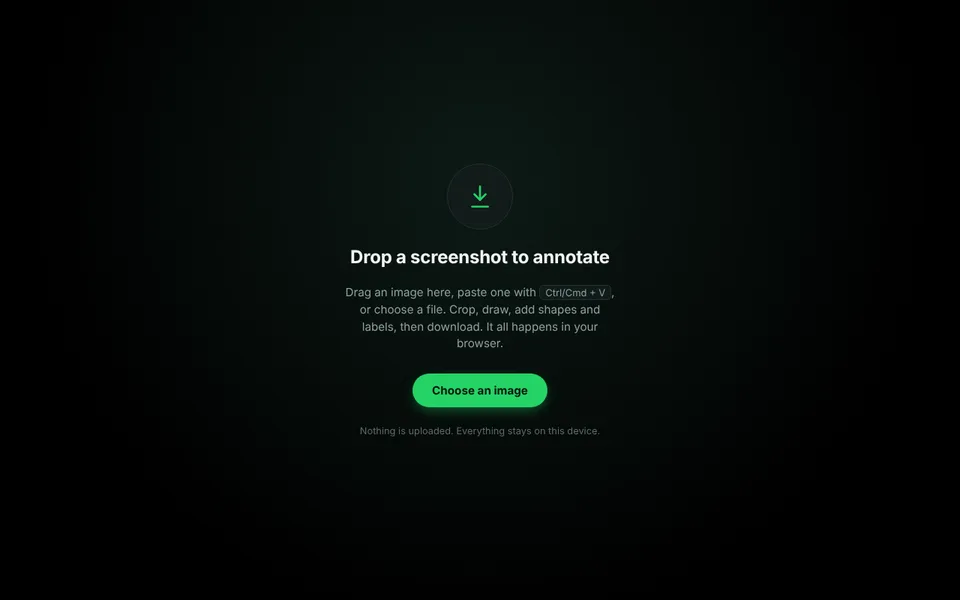
Annotate

Mark up a screenshot and send it in seconds.

Drop in, paste, or choose an image. Crop it, add arrows, boxes, circles, freehand marks, and labels, then download a clean PNG. Useful for site feedback, bug reports, and instructions for staff.

  • Paste with Ctrl or Cmd + V
  • Crop, shapes, arrows, and text
  • Undo any step
  • Download as PNG
Open Annotate
The Palette and Layout Explorer app
Runs in your browserYour photos stay on your device

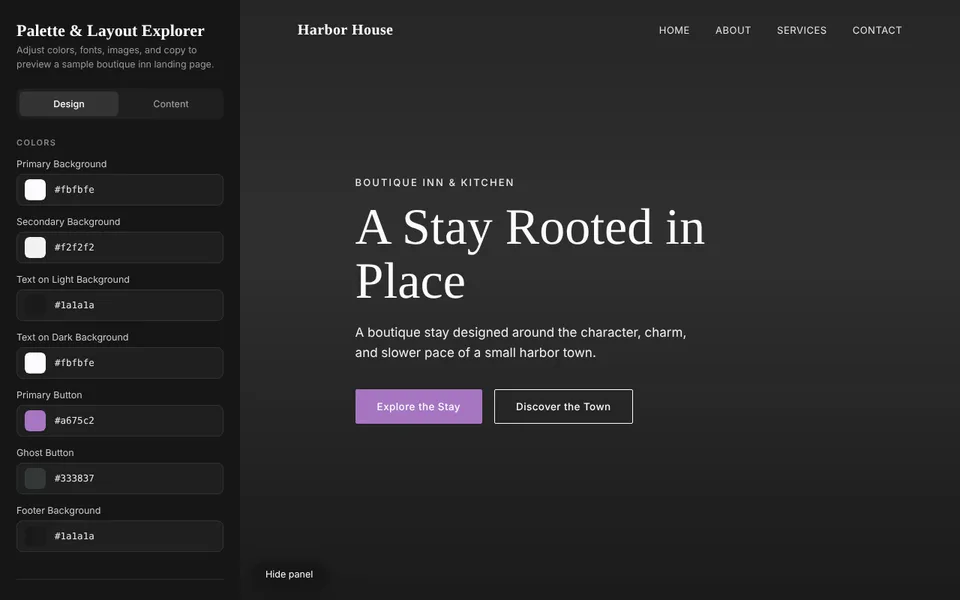
Palette and Layout Explorer

Try a site's look before it's built.

Change colors, fonts, photos, and copy on a live landing page and see every change at once. It turns a design conversation into choices a client can actually look at.

  • Seven color roles
  • Heading and body fonts
  • Swap any photo, including your own
  • Edit every line of copy
Open the explorer

Have a process that eats your week?

Describe what you do now and where it gets stuck. I'll tell you whether a tool makes sense, and what it would take.

Describe your process